In the US construction industry, BIM has moved far beyond 3D visualization. Today, BIM models directly influence design decisions, construction accuracy, fabrication workflows, and facility management outcomes. At the heart of this process lies one critical concept—LOD (Level of Development).
Choosing the wrong LOD at the wrong project stage can lead to costly rework, coordination failures, delayed installations, and disputes between stakeholders. On the other hand, selecting the right LOD ensures smooth collaboration between designers, contractors, fabricators, and owners.
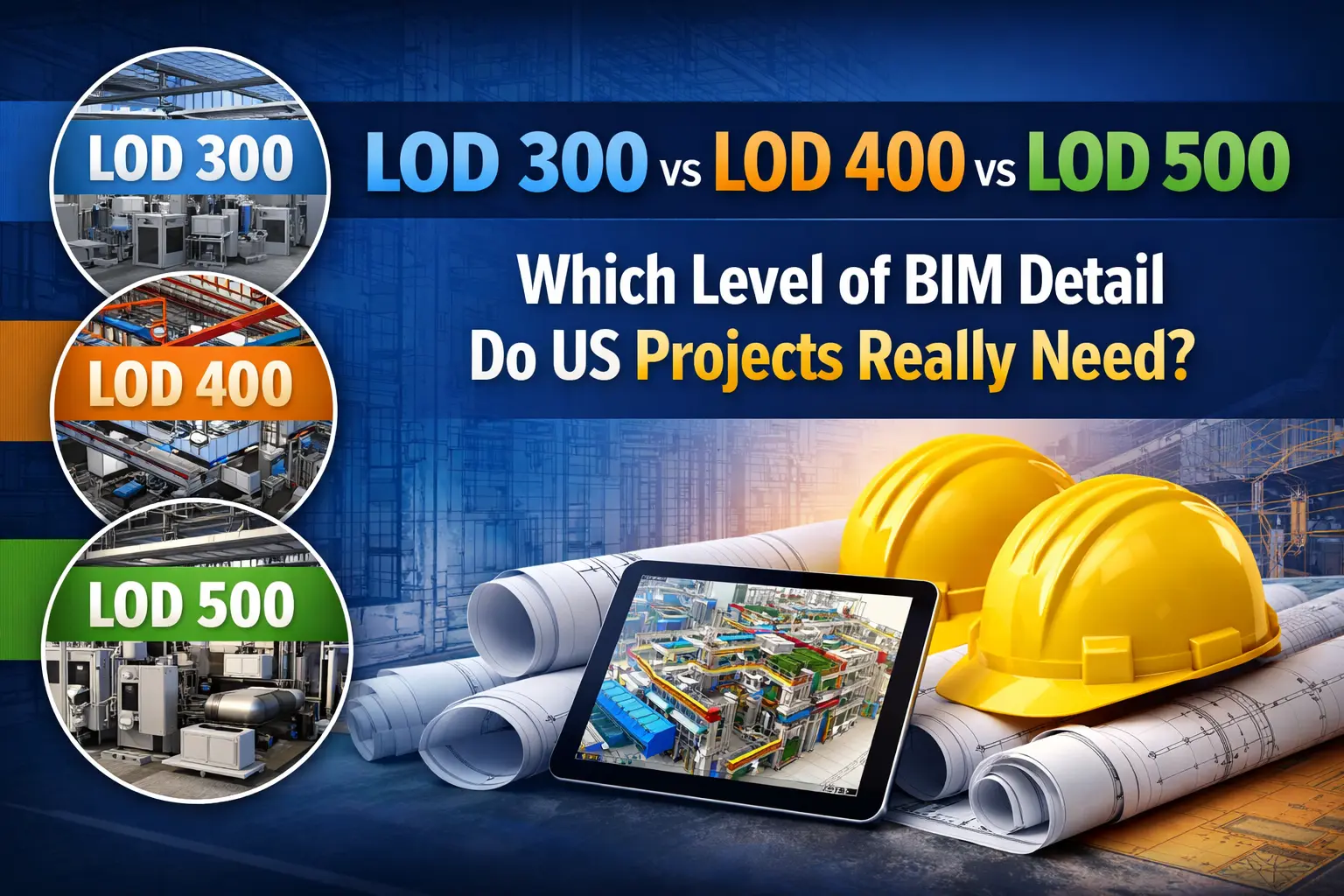
This blog explains LOD 300 vs LOD 400 vs LOD 500 in simple, practical terms and helps US construction teams understand which level of BIM detail they actually need—and when.
What Is LOD in BIM? A Simple Explanation
LOD stands for Level of Development, sometimes referred to as Level of Detail, but it is much more than just model appearance.
LOD defines:
- How accurate the geometry is
- How reliable the information is
- What the model can be used for at a specific project stage
In other words, LOD answers a key question:
“What decisions can I safely make using this BIM model?”
A higher LOD does not always mean a better model. Over-modeling too early wastes time and money, while under-modeling during construction can cause installation errors and clashes. This is why understanding LOD levels is essential for US BIM projects.
LOD 300 Explained: Design Development Level
What Does LOD 300 Include?
LOD 300 represents design-intent modeling. At this level:
- Elements are modeled with accurate size, shape, orientation, and location
- Systems reflect engineering intent, not fabrication details
- Components are suitable for coordination and layout planning
LOD 300 models answer questions like:
- Will systems fit in the available space?
- Are there major clashes between disciplines?
- Can we proceed with permit and coordination drawings?
When Do US Projects Use LOD 300?
LOD 300 is commonly used during:
- Design Development (DD) phase
- Permit and approval submissions
- Early-stage MEP coordination
- Owner and stakeholder reviews
Architects and engineers rely heavily on LOD 300 to validate their designs before construction begins.
Limitations of LOD 300
While LOD 300 is essential, it is not construction-ready. Common limitations include:
- No fabrication-level details
- Missing supports, hangers, and connections
- Clearances may be approximate, not installable
Using LOD 300 for shop drawings or fabrication often leads to field conflicts and rework, especially in MEP-heavy projects.
LOD 400 Explained: Fabrication & Construction Level
What Does LOD 400 Include?
LOD 400 is where BIM becomes actionable for construction. At this level:
- Elements include fabrication-ready geometry
- Accurate modeling of:
- Hangers and supports
- Connections and joints
- Clearances and access zones
Systems reflect how they will actually be installed.
LOD 400 models can be used directly by contractors and fabricators to plan installation and off-site manufacturing.
When Is LOD 400 Required in US Projects?
In the United States, LOD 400 is typically required during:
- Construction phase
- MEP shop drawing production
- Prefabrication and modular construction
- Trade coordination meetings
Most MEP contractors, design-build teams, and fabrication shops rely on LOD 400 models to minimize on-site issues.
Why LOD 400 Is Critical for MEP Trades
MEP systems are dense, complex, and interdependent. LOD 400 helps by:
- Eliminating clashes before construction
- Improving installation accuracy
- Supporting prefabrication and modular workflows
- Reducing RFIs and site delays
For HVAC, plumbing, electrical, and fire protection trades, LOD 400 is often the most valuable BIM deliverable.
[Also Read: Outsourcing LOD 400 CADmep: Offshore vs US Costs & Quality]
LOD 500 Explained: As-Built & Facility Management Level
What Does LOD 500 Include?
LOD 500 represents the final, field-verified model. At this stage:
- Geometry reflects actual installed conditions
- Data is validated from site updates
- Models include asset information for operations
LOD 500 models are not theoretical—they represent what was truly built, not just what was planned.
When Do US Projects Need LOD 500?
LOD 500 is commonly required during:
- Project handover
- Facility management integration
- Renovation and retrofit planning
- Digital twin and asset management initiatives
Owners, facility managers, and operations teams benefit the most from LOD 500 BIM models.
LOD 500 vs Traditional As-Built Drawings
Traditional as-built drawings are static and often outdated. LOD 500 BIM models:
- Contain structured asset data
- Support FM software and maintenance planning
- Enable future renovations with confidence
This makes LOD 500 a long-term investment rather than just a closeout requirement.
LOD 300 vs LOD 400 vs LOD 500: Quick Comparison

How to Choose the Right LOD for Your US Project
Choosing the correct LOD is not about selecting the highest number—it’s about project purpose.
Ask these questions:
- Who will use the model at this stage?
- What decisions depend on this model?
- Is fabrication or prefabrication involved?
- What does the contract or BIM Execution Plan require?
Best Practices
- Use LOD 300 for design validation and approvals
- Transition to LOD 400 for construction and shop drawings
- Deliver LOD 500 when long-term operations matter
A clearly defined BIM Execution Plan (BEP) helps avoid confusion and ensures all stakeholders understand their LOD responsibilities.
[Also Read: Installation-Ready MEP BIM Drawings to Accelerate Your Project’s Success]
Common LOD Mistakes in US BIM Projects
Even experienced teams make LOD-related mistakes. Common issues include:
- Using LOD 300 models for shop drawings
- Over-modeling too early and wasting BIM hours
- Assuming every project requires LOD 500
- Not defining LOD responsibilities clearly
- Ignoring trade-specific LOD requirements
How BuiltInBIM Expertise Helps You Get LOD Right
At BuiltInBIM, we believe that LOD is about purpose, not just precision. Our BIM services are designed around real construction workflows, US project standards, and trade-specific needs.
How BuiltInBIM Supports LOD 300
- Design-intent BIM models aligned with architectural and engineering drawings
- Early-stage MEP coordination to identify major clashes
- Models suitable for permit submissions and stakeholder reviews
- Accurate spatial planning without unnecessary over-modeling
How BuiltInBIM Supports LOD 400
- Trade-specific MEP shop drawing models
- Fabrication-ready geometry for HVAC, plumbing, electrical, and fire protection
- Detailed hanger, support, and clearance modeling
- Clash-free coordination using Revit and Navisworks
- BIM workflows optimized for prefabrication and modular construction
How BuiltInBIM Supports LOD 500
- As-built BIM models based on site updates and redlines
- Asset data integration for facility management teams
- Models ready for renovations, expansions, and lifecycle planning
- Reliable BIM deliverables that extend value beyond project closeout
Final Thoughts: LOD Is About Project Success, Not Just Detail
Understanding LOD 300 vs LOD 400 vs LOD 500 helps US construction teams make smarter BIM decisions at every project stage. The right LOD:
- Reduces rework
- Improves coordination
- Supports construction accuracy
- Adds long-term value for owners
Instead of asking, “What is the highest LOD we can model?”, the better question is:
“What LOD does this project truly need right now?”
Not sure which LOD level your BIM project requires?
BuiltInBIM helps US contractors, consultants, and owners deliver accurate, purpose-driven BIM models—from design development to construction and handover.
Contact BuiltInBIM today to discuss your project requirements and BIM scope.